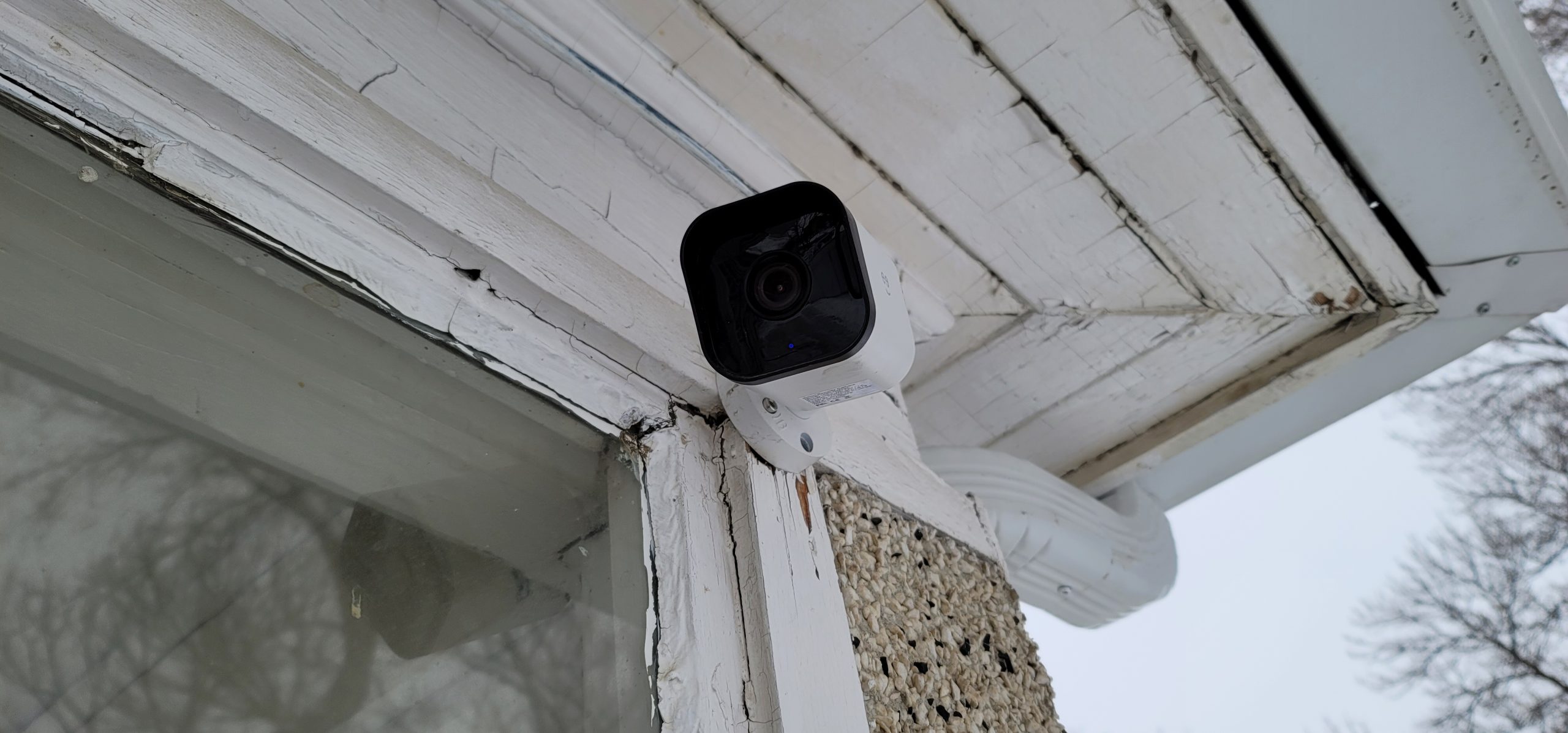
I have found another way to combat stubborn cameras from Geeni. I tried several times over literally two years to get these cameras to connect to the network. Finally, I solved it. It requires a printer.
1. Start the process as per normal. Push ‘reset’ on your camera. Choose ‘Add Device’ on your mobile (phone, tablet, etc.), and follow it until you see the QR code.
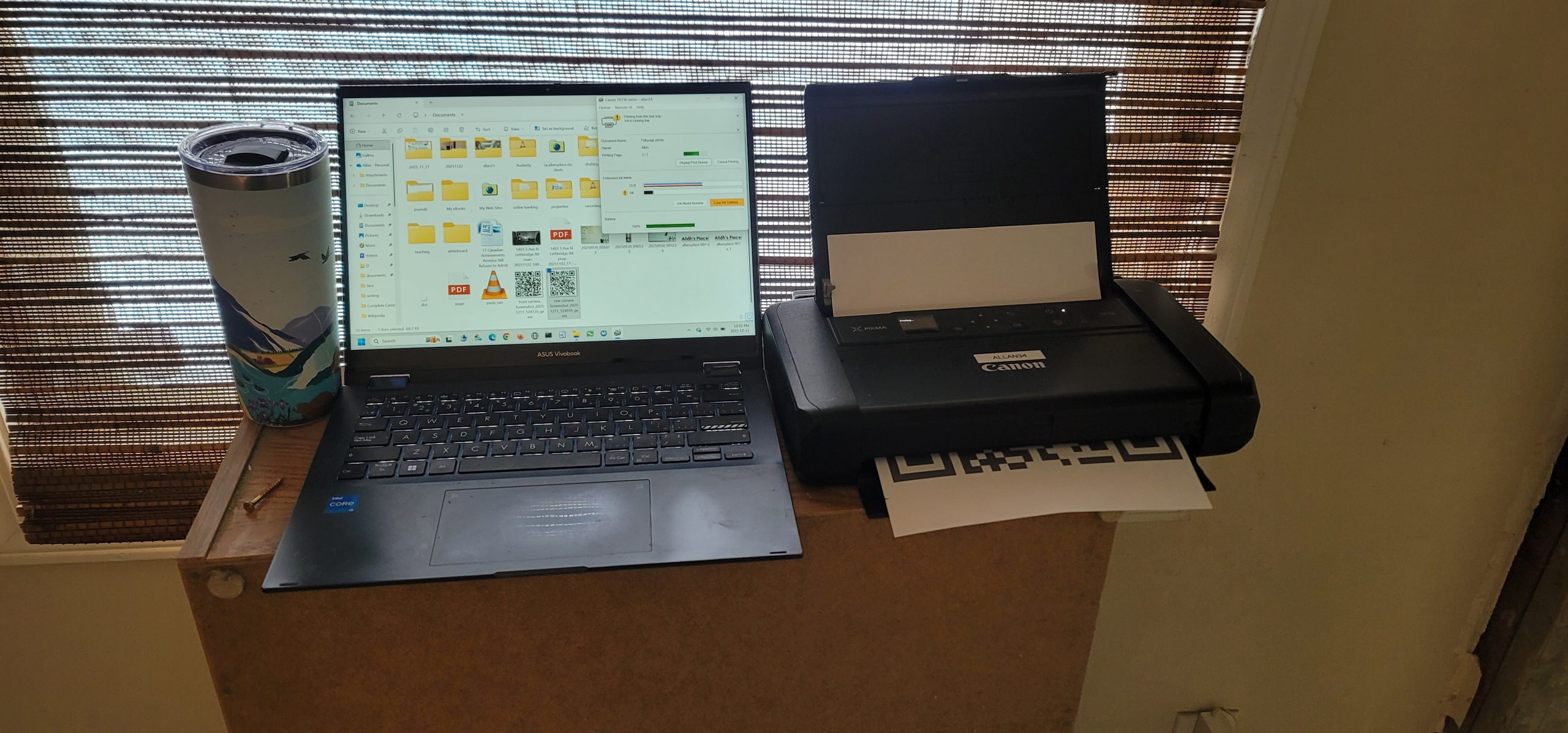
2. Take a screen shot of the QR code. Send it to your computer. Or, if you want, do the next steps on your mobile.
3. Optional – On your computer (or mobile), crop the QR code to show only the QR code.
4. Print the QR code onto paper.
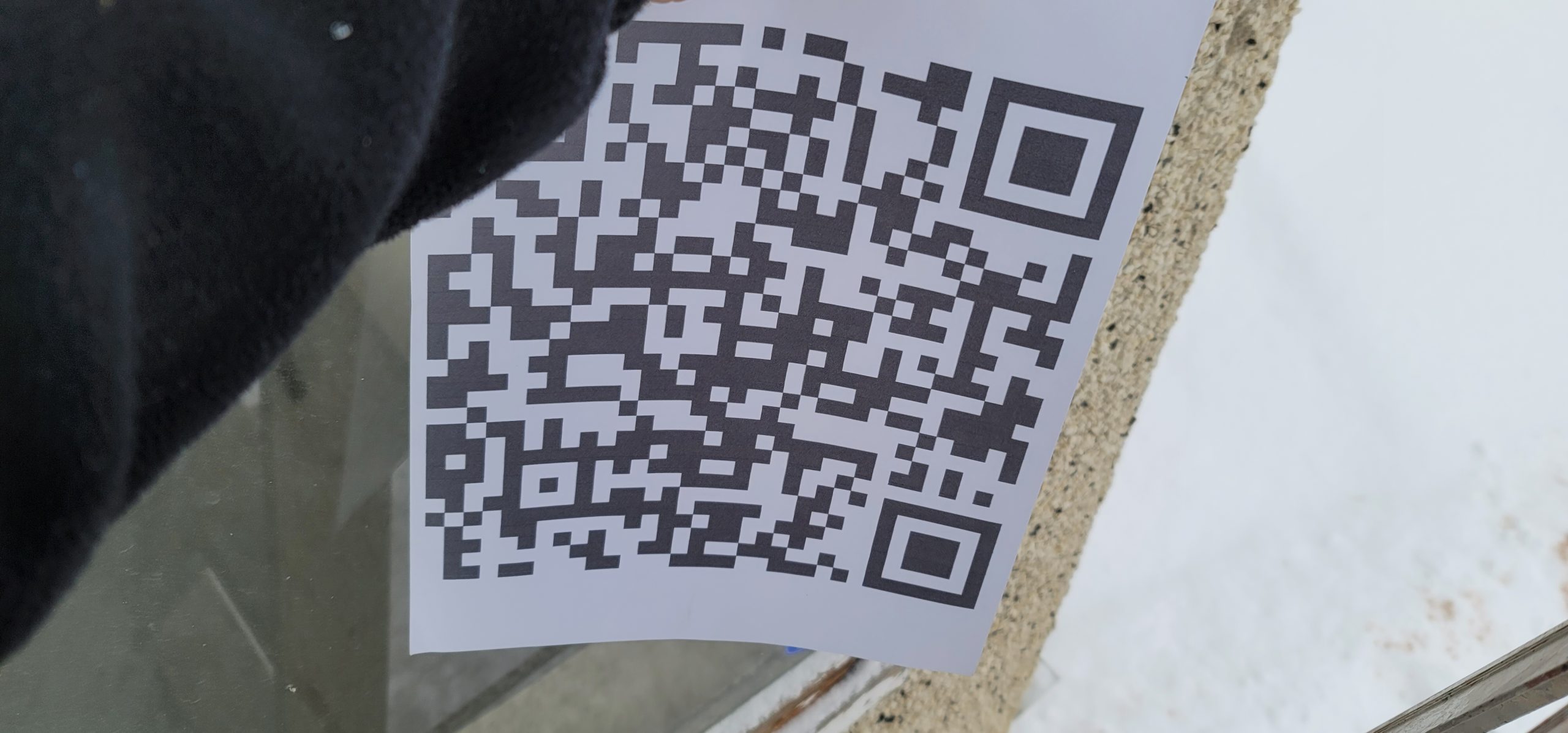
5. Hold the printed QR code up to the camera.
Doing this, my cameras connected within a few seconds. Good luck!